 Zaga Studio
Make a two-voice conversation video
· Conversations · 25 min
Conversation videos use two or more voices instead of one narrator. They hold attention well for lessons, debates, myth-busting and podcast-style clips, because the viewer hears a question and an answer.
Step 1: Plan the conversation
Decide who is talking and why. For example, a 60-second clip where Maya asks the questions a beginner would ask, and Leo answers them about saving money.
Step 2: Write the dialogue
Write each line with the speaker’s name first:
Maya: Okay, honest question. Why is saving so hard?
Leo: Because you save what's left. Flip it: save first, spend what's left.
Maya: Like, on payday?
Leo: The same day. Set it to move automatically, so you never see it.
Maya: That's it?
Leo: That's most of it. Small and automatic beats big and someday.
Keep lines short. Real people interrupt and react, so let your speakers do that too.
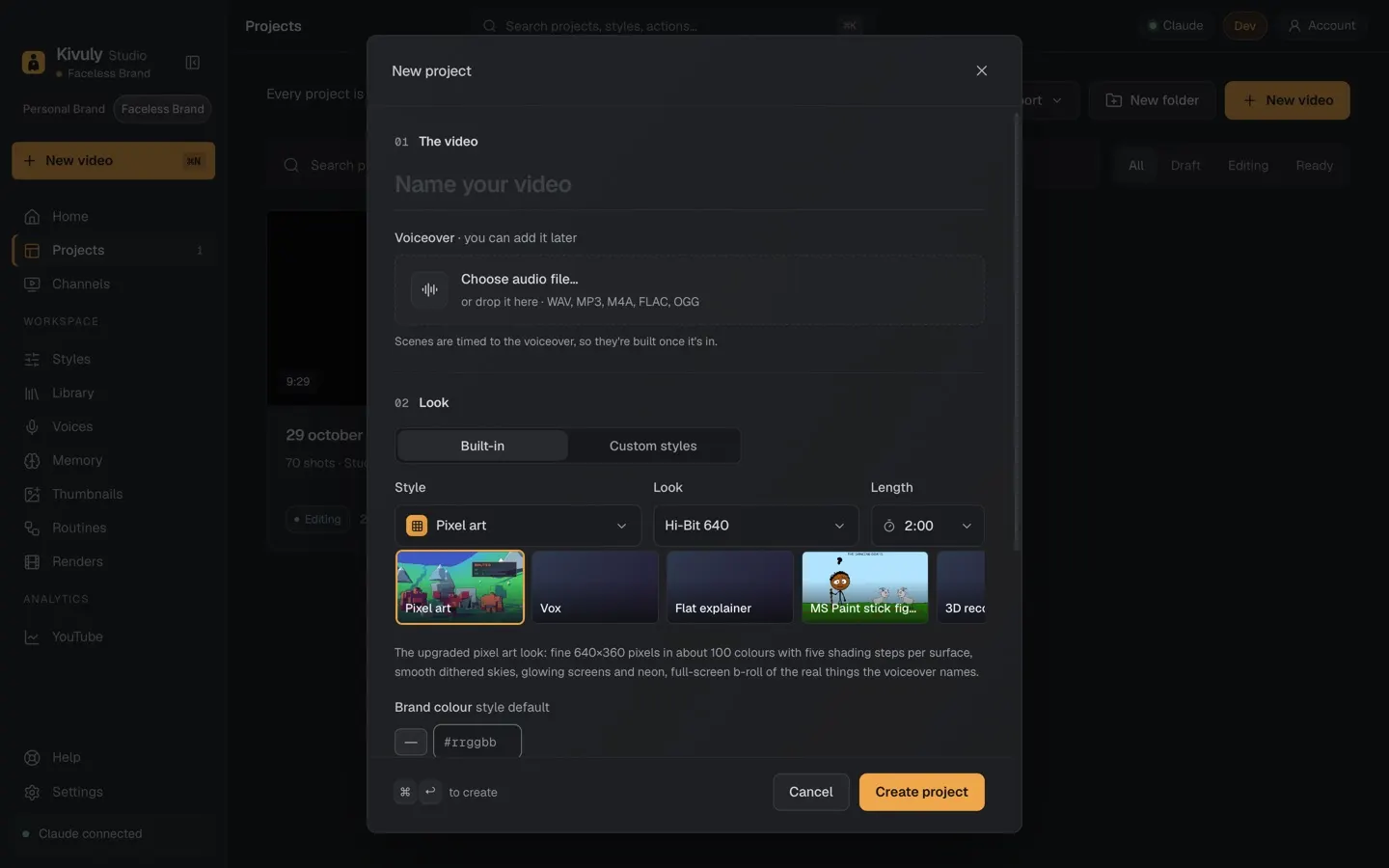
Step 3: Create the project
Create a new video and choose the conversation format. Paste the dialogue. Zaga gives each line to its speaker.
Step 4: Pick the voices
Choose two voices that sound clearly different: one brighter, one calmer works well. Preview the first exchange and adjust until it sounds like two people, not one person twice.
Step 5: Visuals and captions
Pick a style for the scenes behind the voices. Turn on captions with the speaker’s name or colour, so viewers can follow with the sound off.
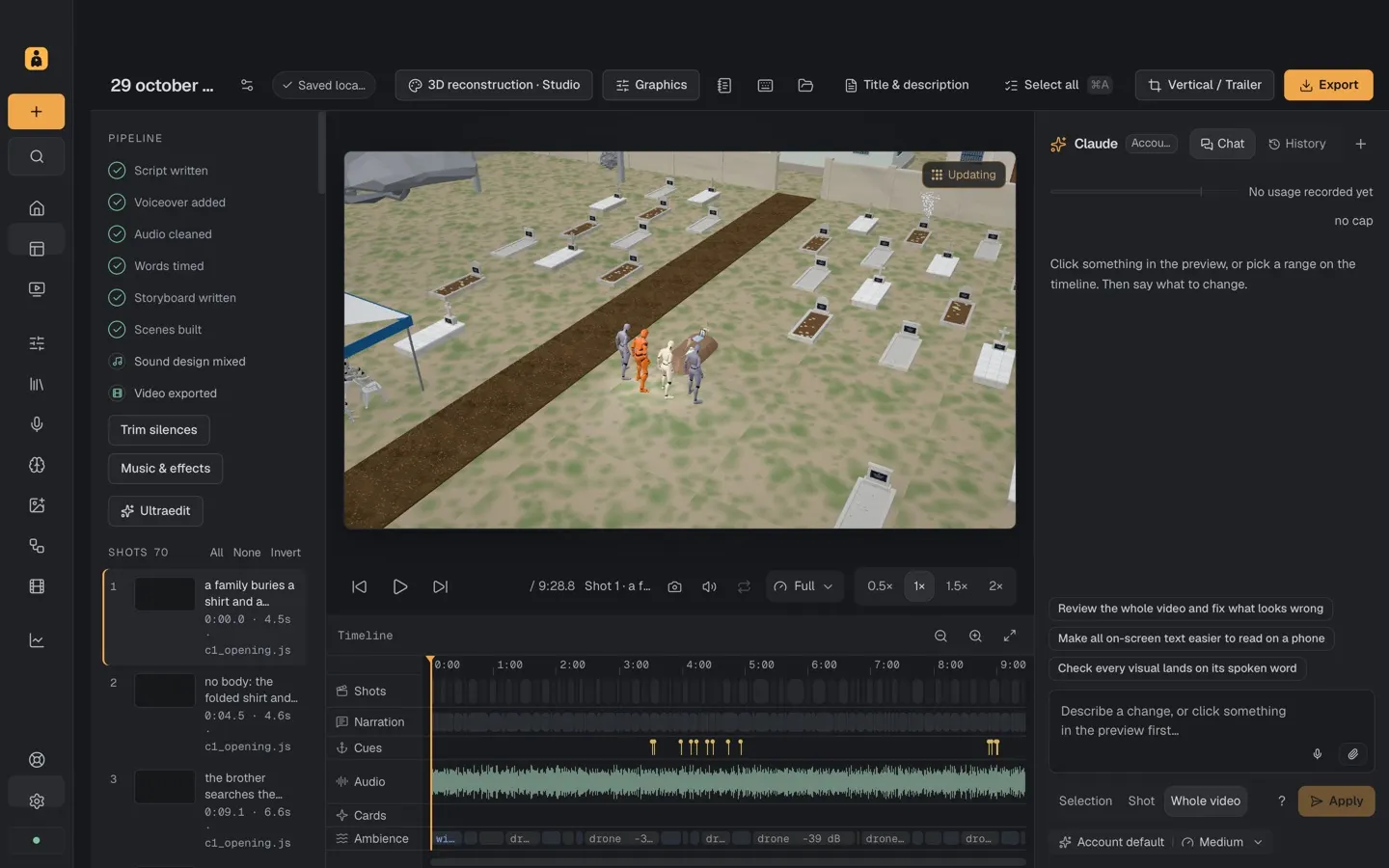
Step 6: Export
Export 9:16 for TikTok, Reels and Shorts, and 16:9 if you want a longer version for YouTube.
Share it with #MadeWithZaga and post the style and voices you used in the caption.